gui walkthrough
Every image here is rendered in CI from the real ui/installer.qml by
tests/gui/capture-screens.py, so it cannot drift from the app.
How this is possible without a compositor. The installer normally runs under
Quickshell on niri, which is why it has been so hard
to look at. The capture loads the same, unmodified installer.qml under a
plain Qt Quick runtime by supplying local stub implementations of the two
Quickshell modules it imports (tests/qml-stubs/). The UI is real; only the
process-spawning backend is canned.
That stub is also a safety boundary: the real backend runs fisherman, which
partitions a disk. A stub that actually executed command would repartition
whatever machine rendered the docs.
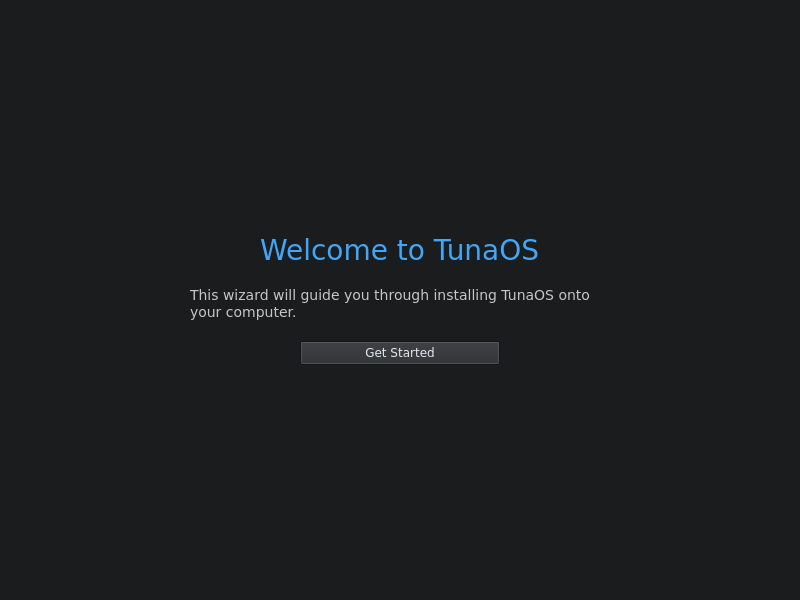
1. Welcome
2. Choose a disk
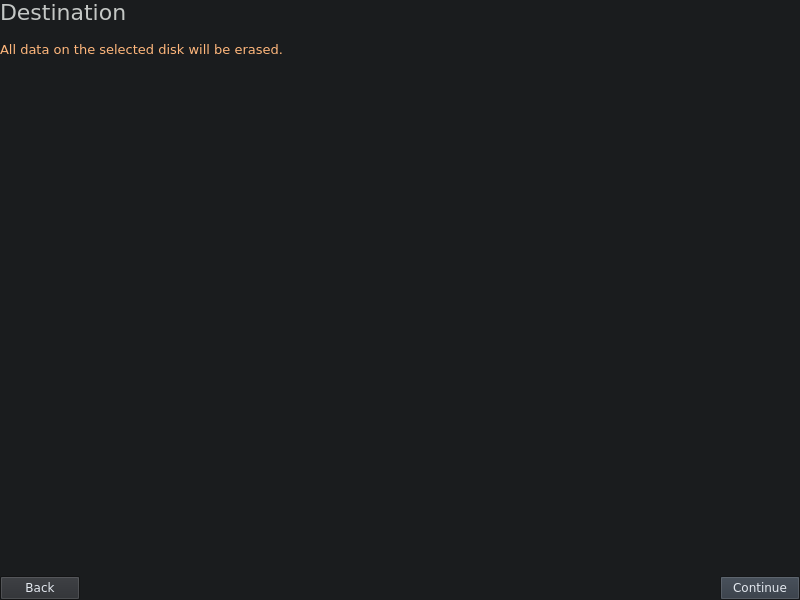
Populated from tuna-installer-niri discover-disks, which parses lsblk -J.
3. Encryption
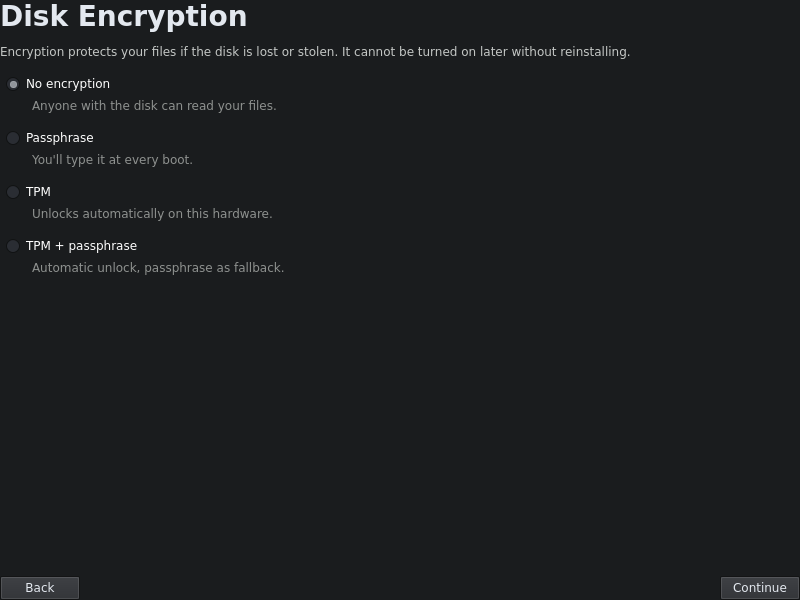
Encryption used to be hardcoded to none in the recipe with no UI at all, so
every install came out unencrypted (tuna-os/tunaOS#734). This screen is the fix.
4. Confirm
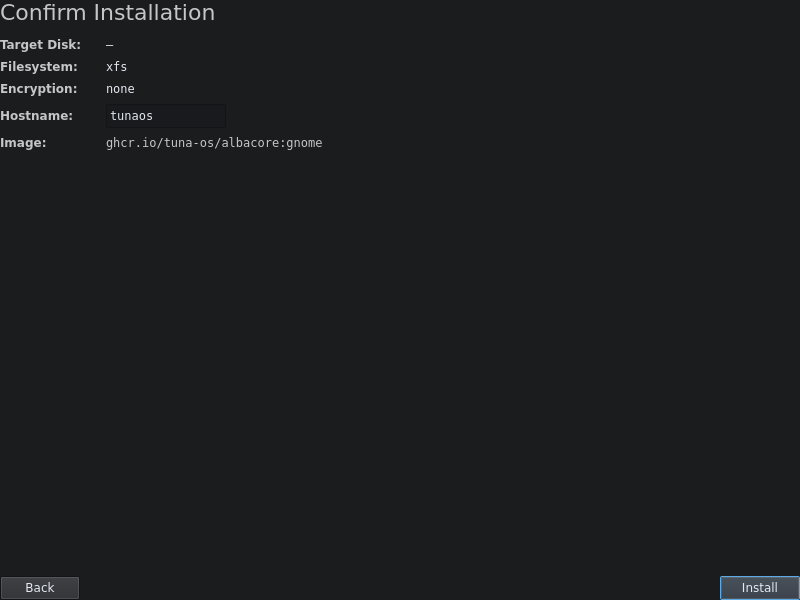
The last screen before anything is written.
5. Installing
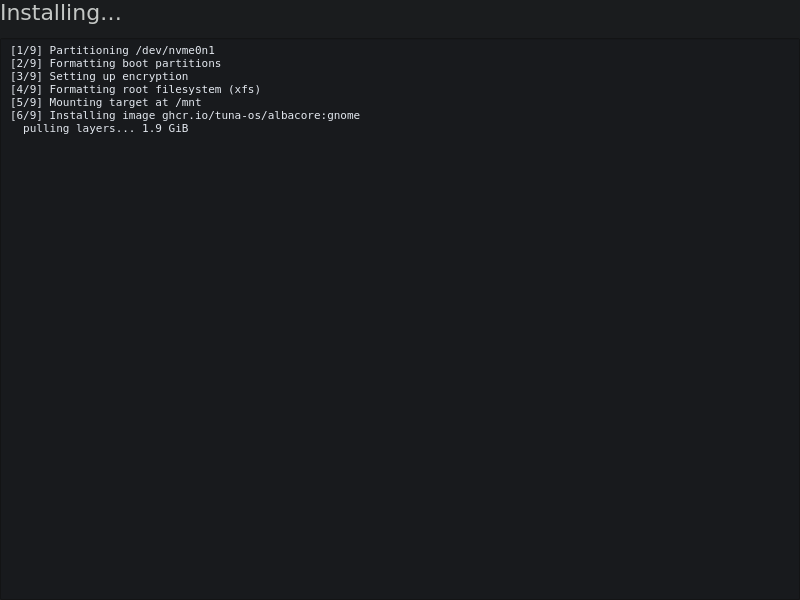
Backend output streams into the log as it arrives.
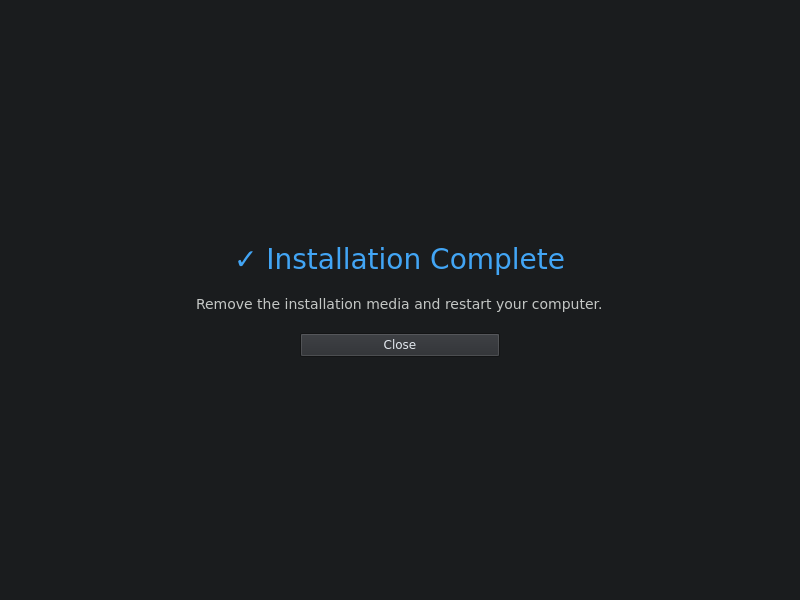
6. Done
Running the UI yourself, without niri
pip install PyQt6
python3 tests/gui/capture-screens.py /tmp/shots
Or load it interactively with the same stubs on QML2_IMPORT_PATH.