Migrating an existing Bluefin to Dakota (ComposeFS)
bootc-migrate
converts an in-place, already-installed OSTree-backed Bluefin system into
a ComposeFS-backed Dakota system. There is no reinstall: /home, /var,
/etc customizations, flatpaks, container storage, and user accounts all
survive the trip.
The previous OSTree deployment stays in the boot menu as a fallback the
whole time, and the migration is reversible up until you run commit.
Interactive wizard
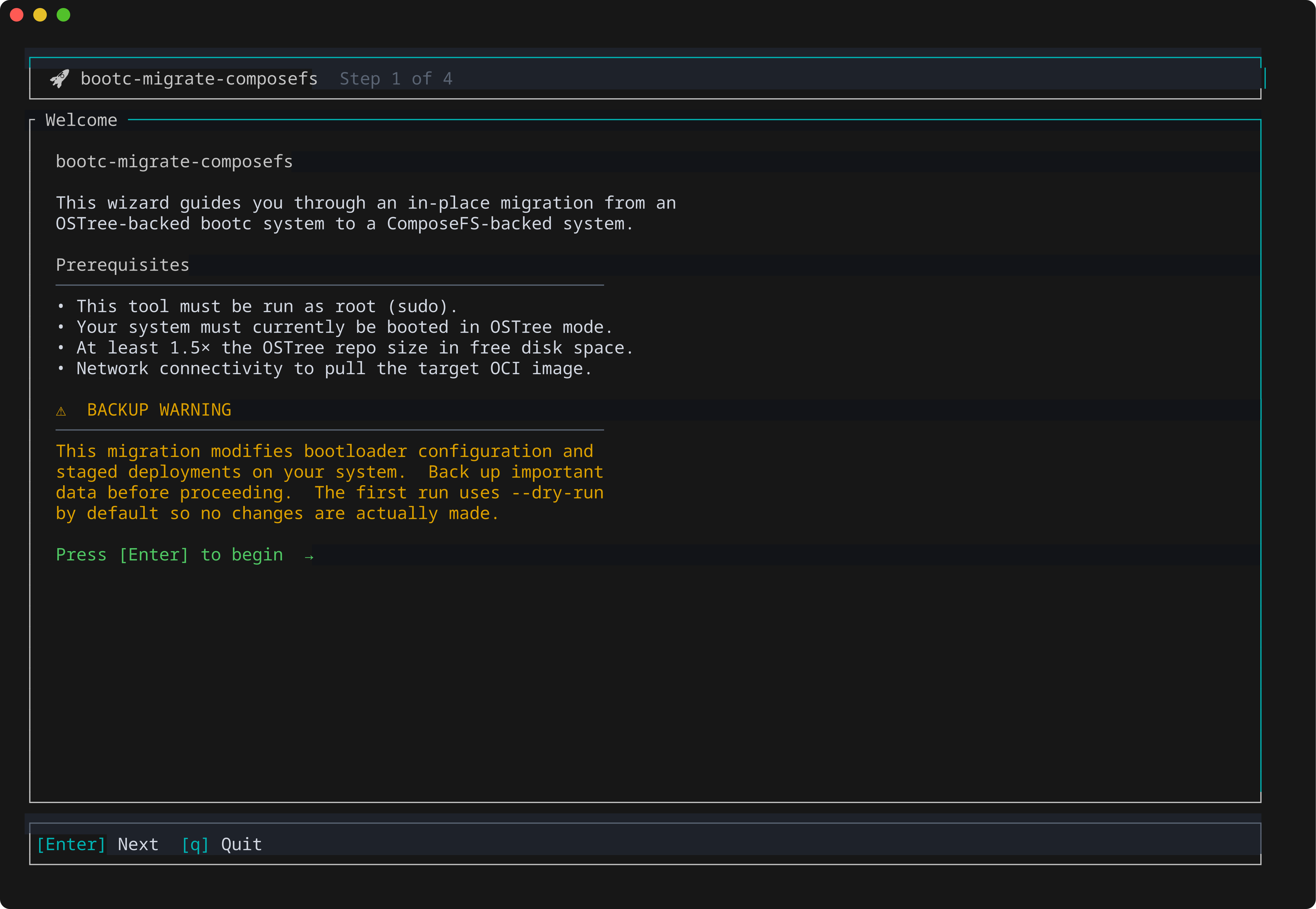
The easiest way in is the terminal wizard — no flags to remember:
sudo bootc-migrate tui
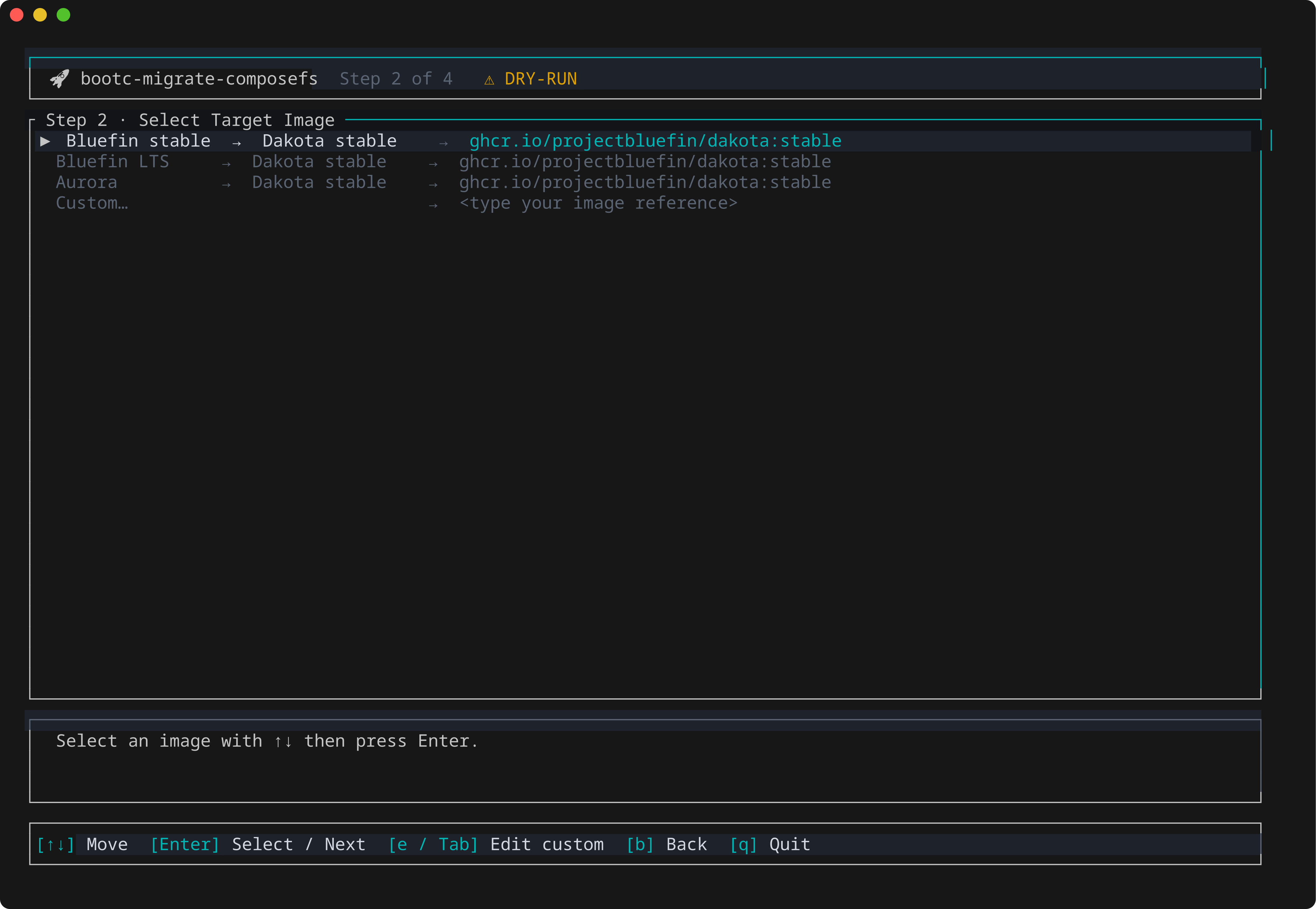
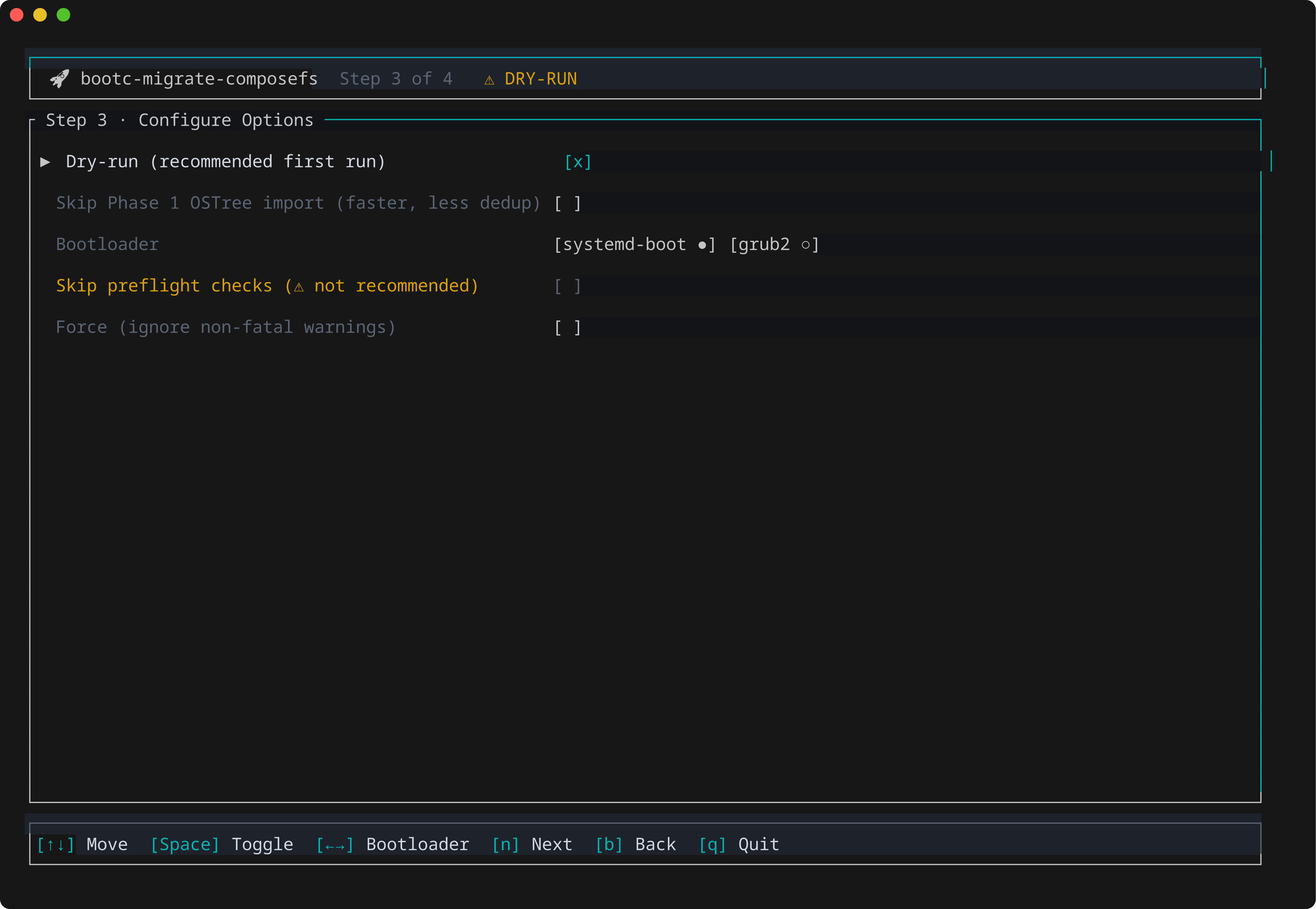
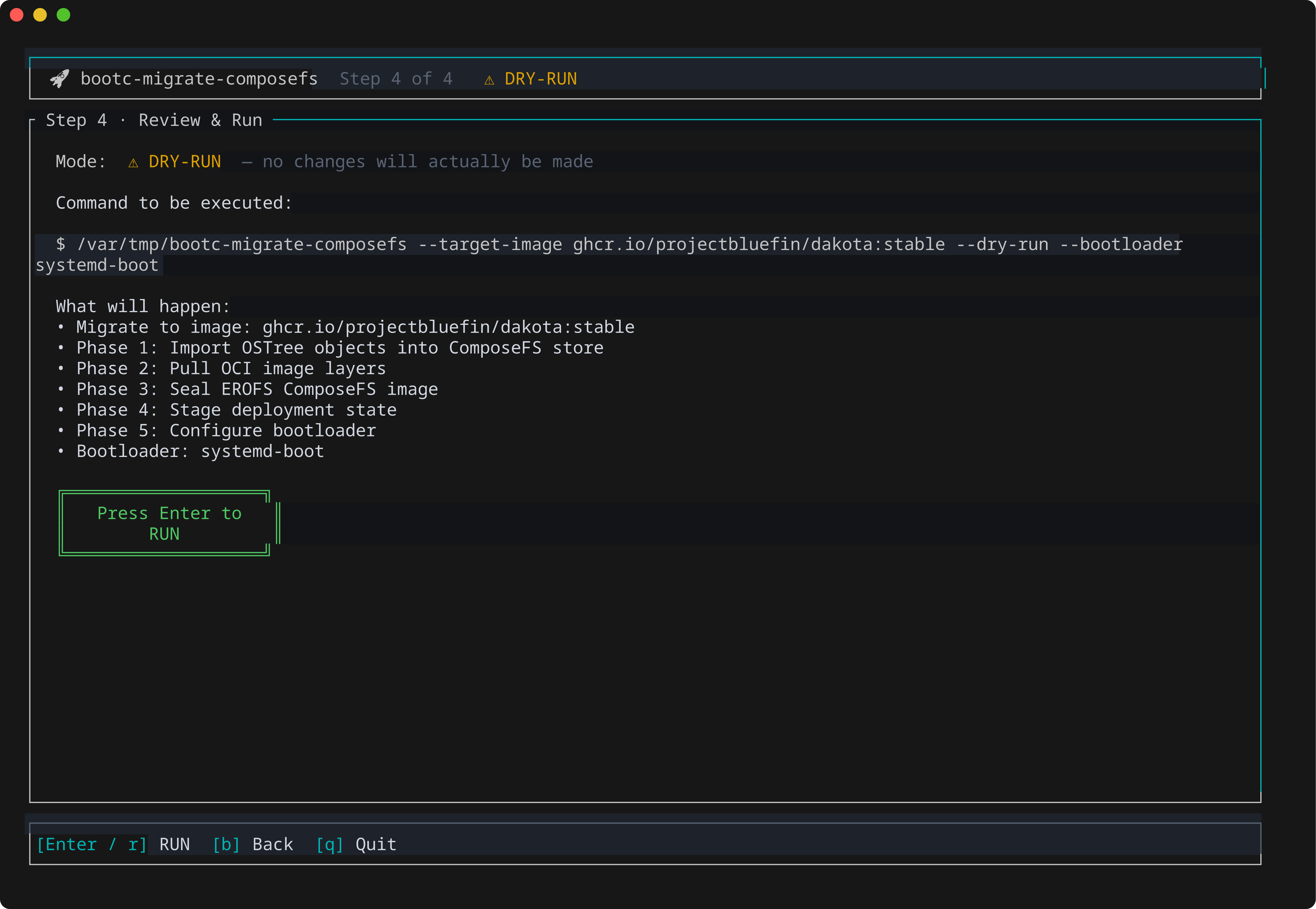
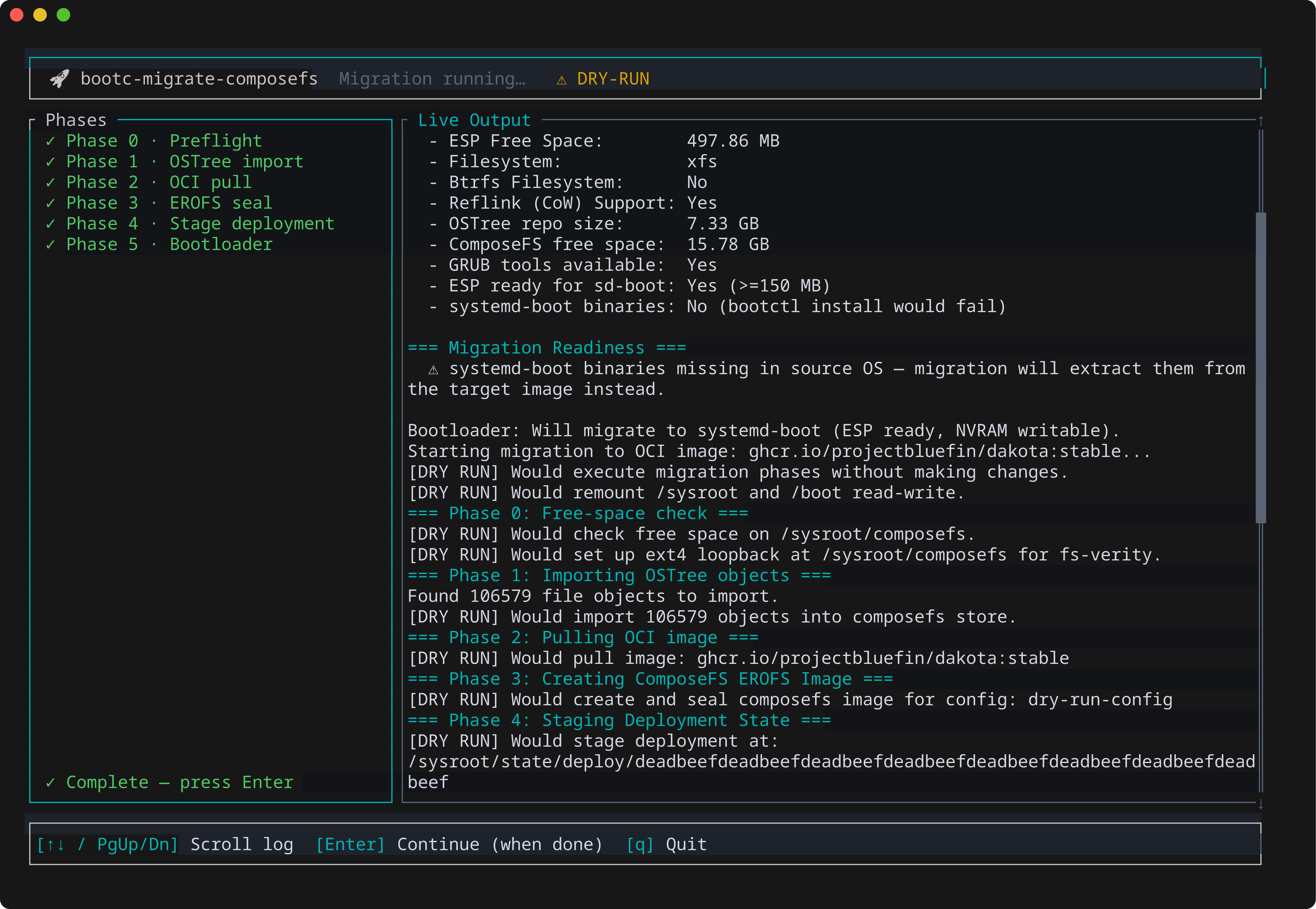
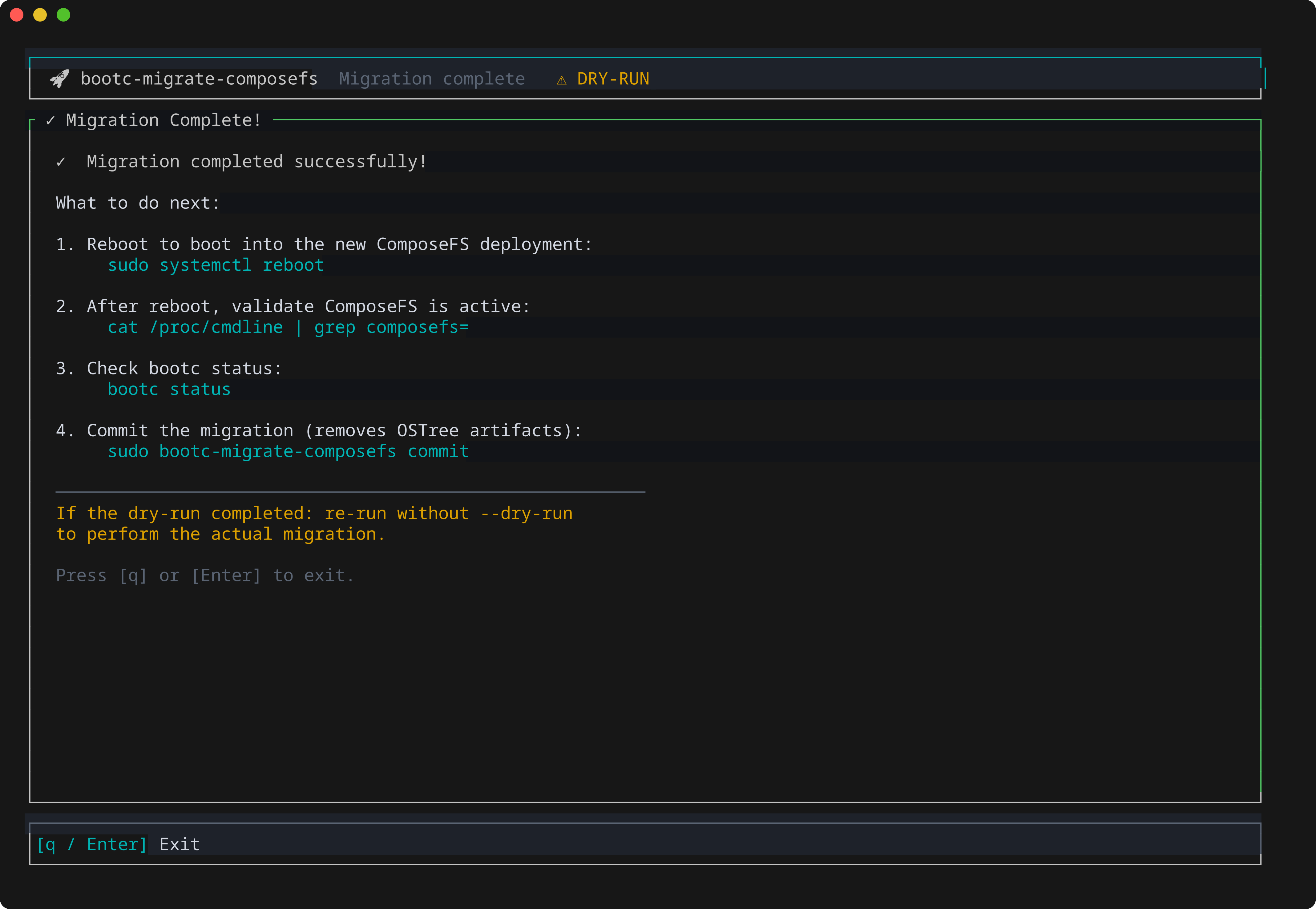
It walks through target image selection, a plain-English review of exactly what's about to happen, and a live phase-by-phase progress view with scrollable logs. You do not need root to browse the wizard. Only Run needs root, because the wizard spawns the migration at that point.
Quick start (flags, no wizard)
# 1. Get the migrator
# Release artifacts still carry the pre-rename bootc-migrate-composefs name
# (v0.2.0 predates the repo rename); the next release uses bootc-migrate-*.
curl -fsSL -o bmc.tar.gz \
  https://github.com/tuna-os/bootc-migrate/releases/latest/download/bootc-migrate-composefs-x86_64-unknown-linux-gnu.tar.gz
tar xzf bmc.tar.gz
sudo install -m755 bootc-migrate-composefs /usr/local/bin/bootc-migrate

# 2. Dry-run — makes no changes, just checks your system is ready
sudo bootc-migrate --target-image ghcr.io/projectbluefin/dakota:stable --dry-run

# 3. Migrate (~5–25 min depending on cache/network)
sudo bootc-migrate --target-image ghcr.io/projectbluefin/dakota:stable

# 4. Reboot — the new composefs entry is the default
sudo systemctl reboot

# 5. Confirm, then make it permanent
cat /proc/cmdline | grep -o 'composefs=[0-9a-f]*'
sudo bootc-migrate commit   # one-way; removes the OSTree fallback
Back up anything you can't afford to lose first. This rewrites how your
system boots. It's reversible until you run commit — but treat it as risky
until you've rebooted and confirmed everything works.
For the full phase-by-phase breakdown, filesystem support (Bluefin LTS/XFS,
LVM, LUKS, dedicated /var), rollback, and how to fix problems, see the
project README.
See also
- Dakota — the image you move to