gui walkthrough
Every image below is rendered in CI from the real GTK4 / libadwaita wizard by
tests/gui/capture-screens.py: the same BootcWindow the Flatpak presents,
driven page by page under Xvfb against fixtures (two canned disks, no
network, the repository's own recipe.json). Nothing is mocked in the UI
and nothing touches a disk. See .github/workflows/screenshots-gnome.yml.
The cross-frontend view, with the KDE, COSMIC, Niri and XFCE installers side
by side and the parity matrix on top, is walkthrough/.
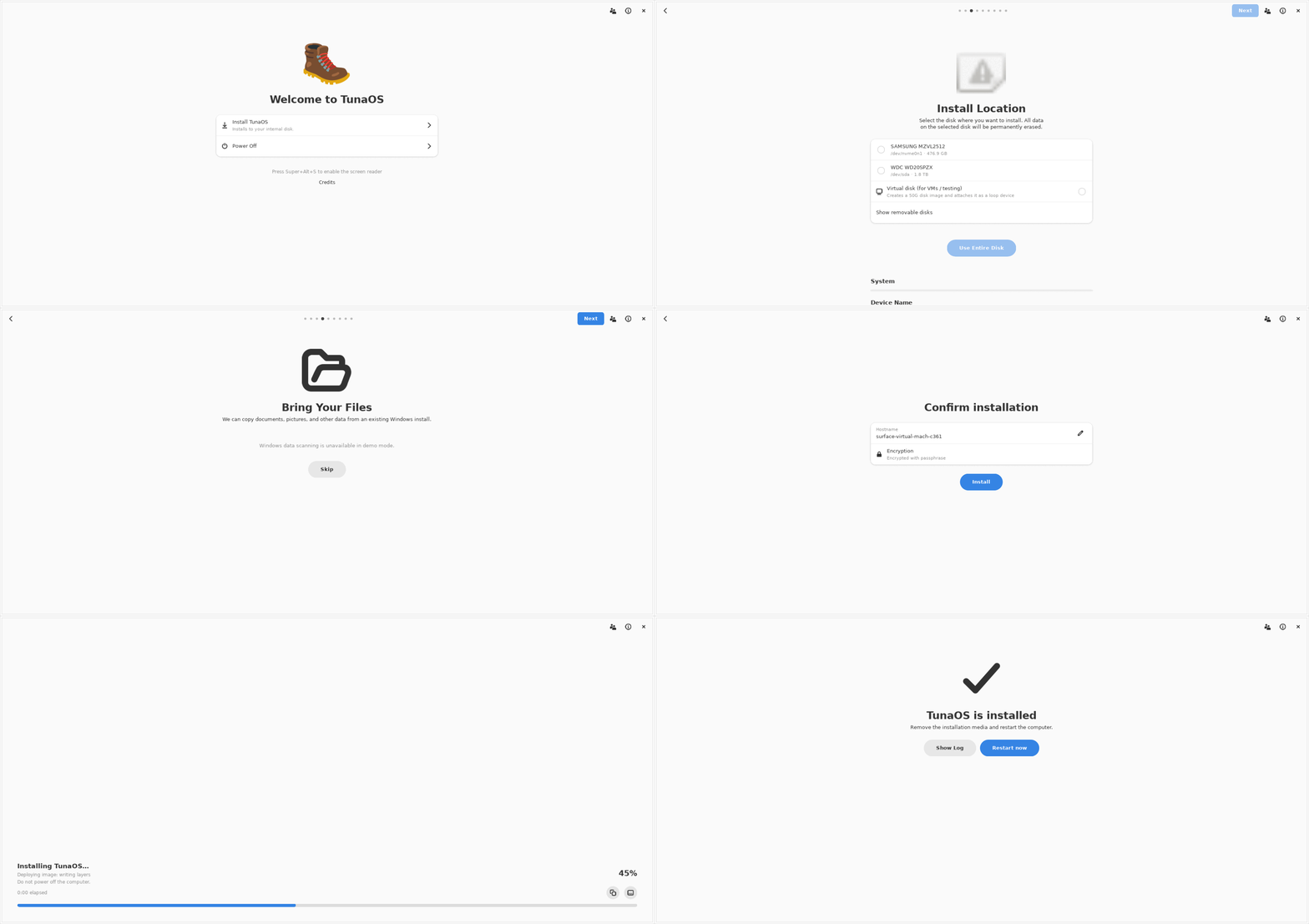
The pages
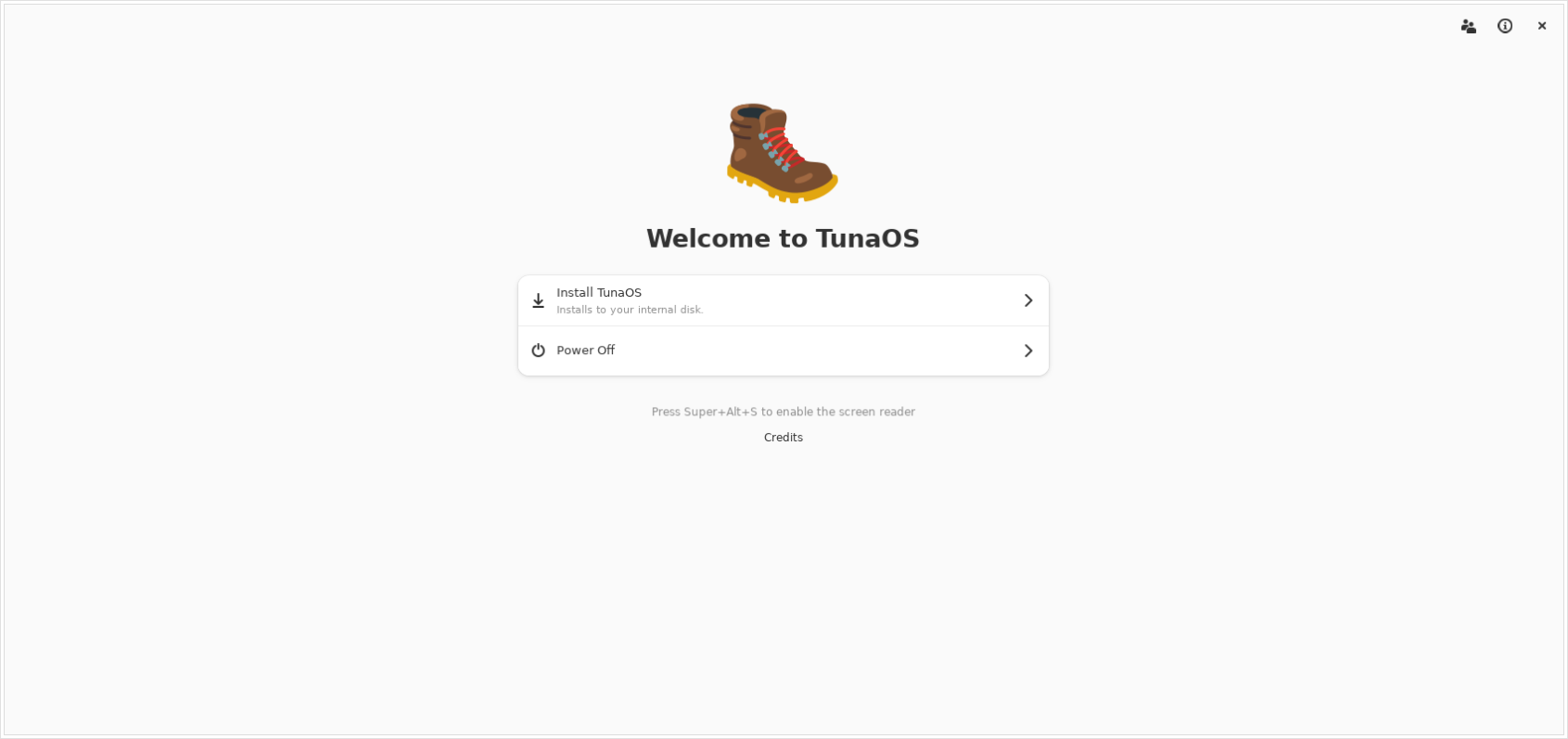 | Welcome: what the installer is about to do, with power-off and credits. |
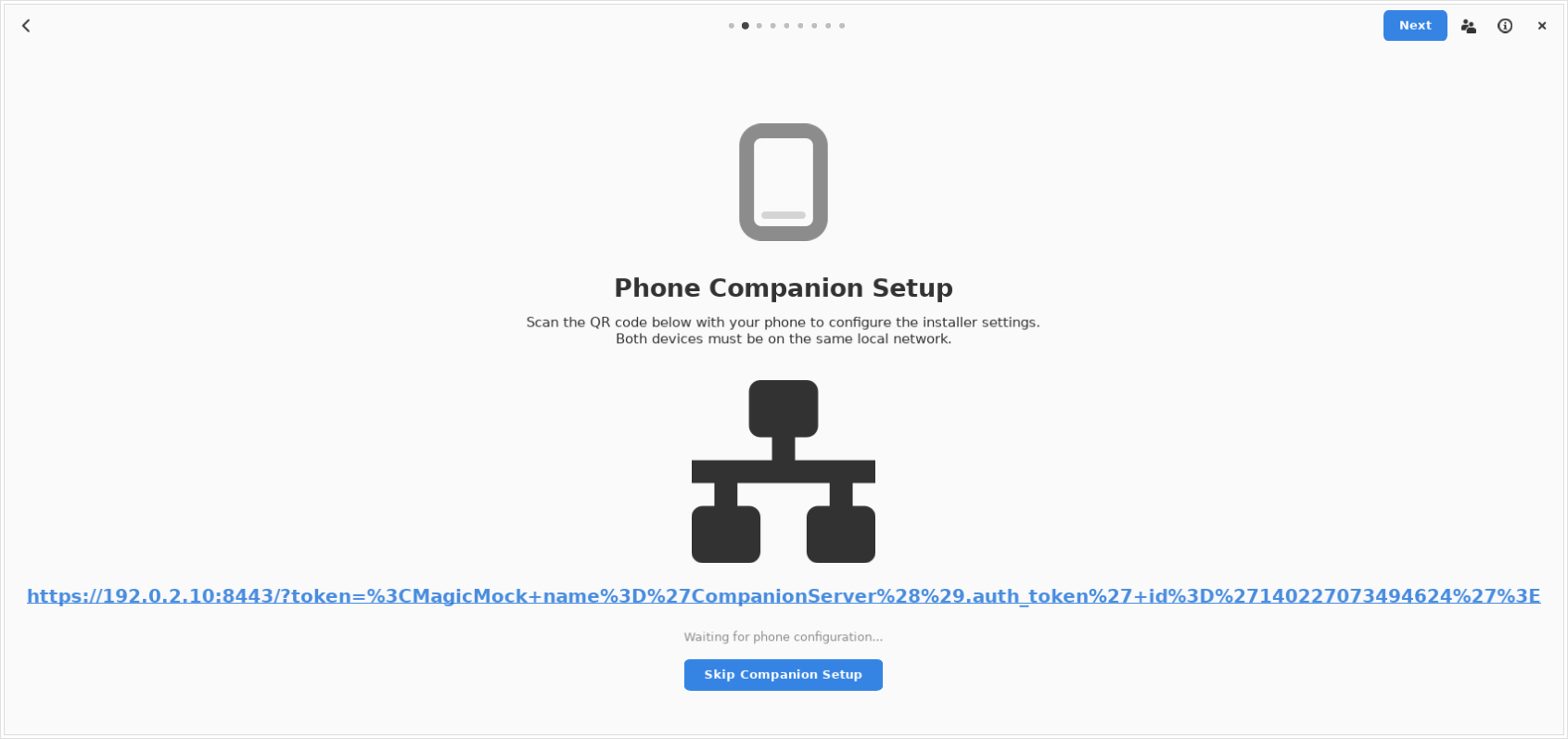 | Phone companion: optional QR pairing so the rest of the wizard can be typed from a phone. |
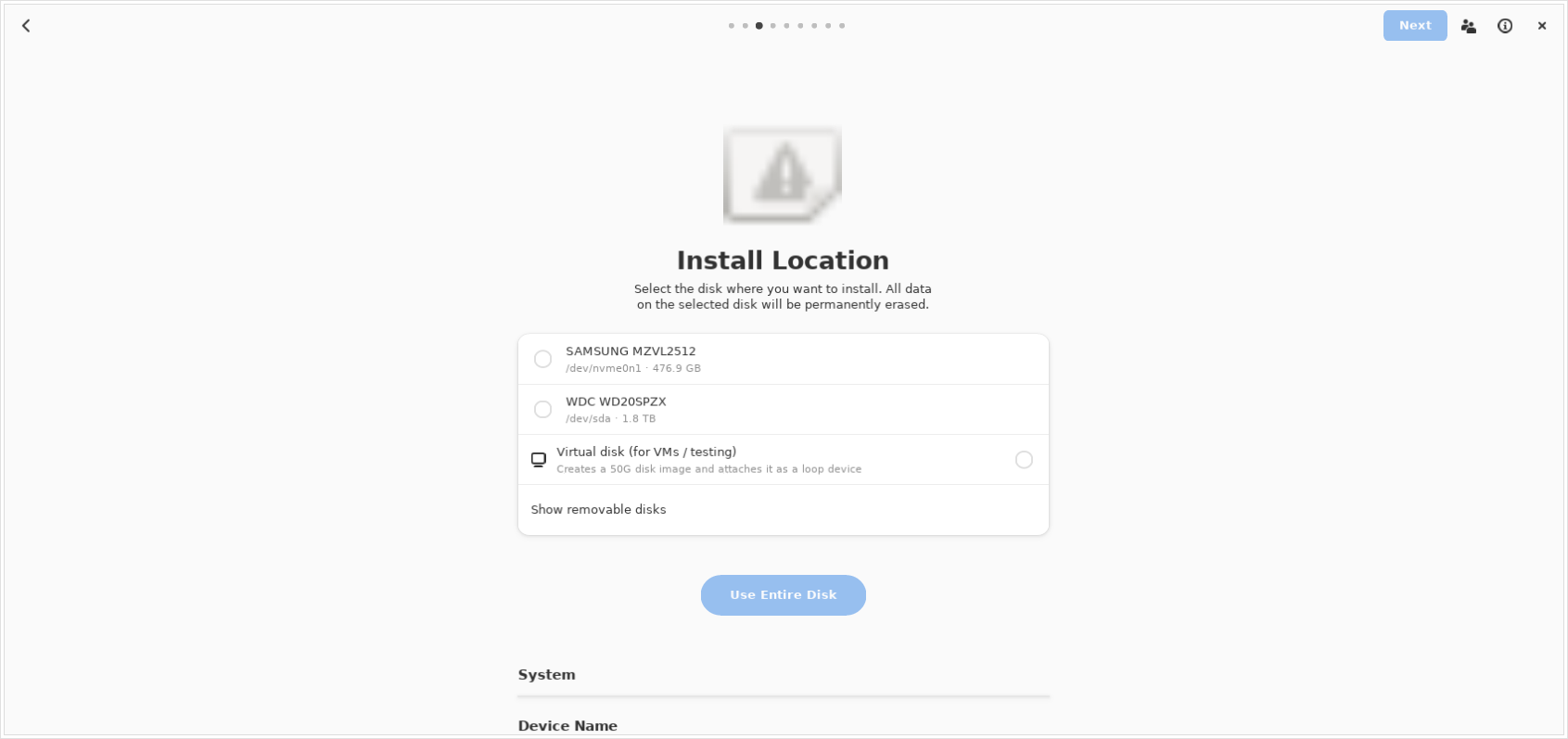 | Install location: whole disks only, plus the virtual-disk option for VMs. Nothing is written yet. |
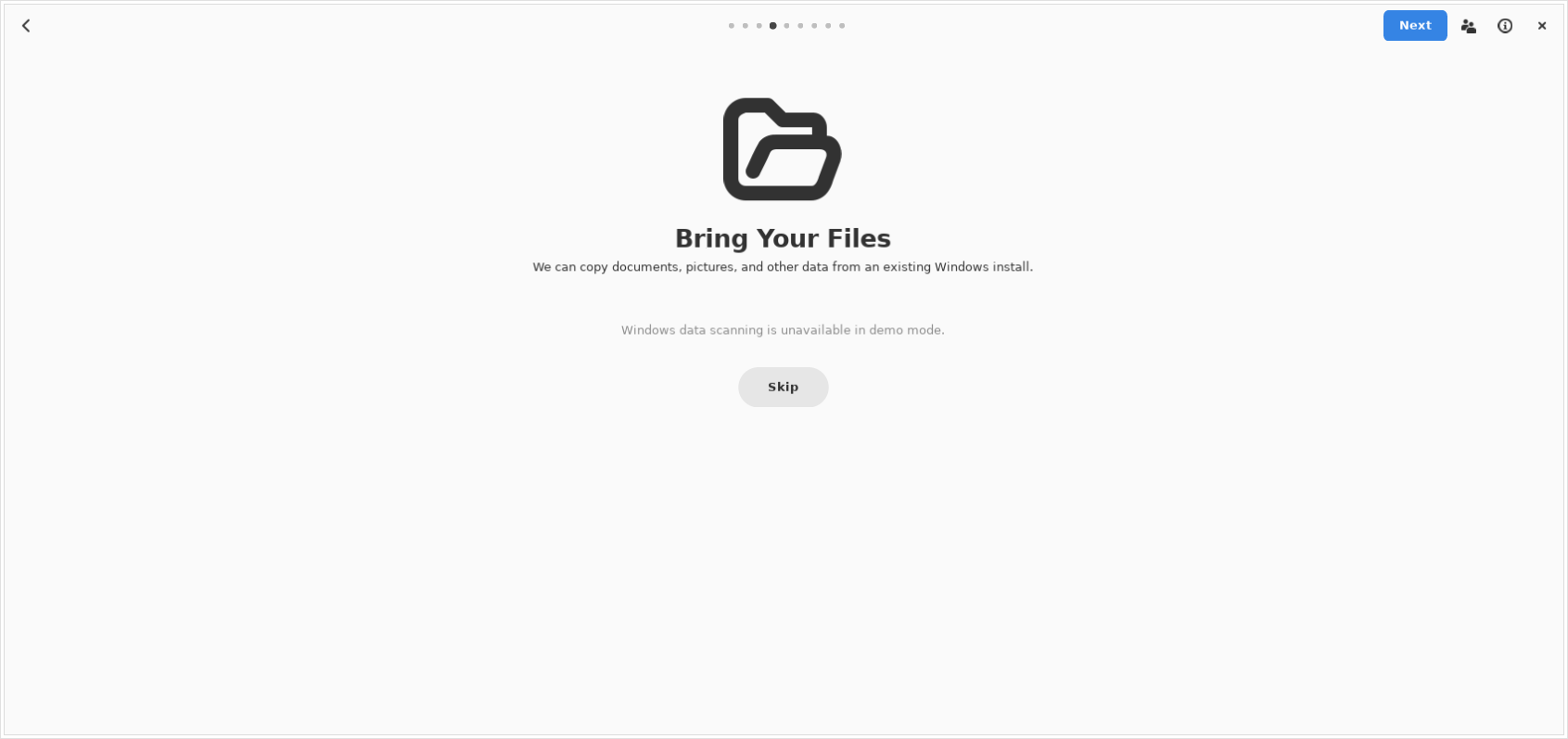 | Bring your data: import documents and settings from an existing Windows partition. |
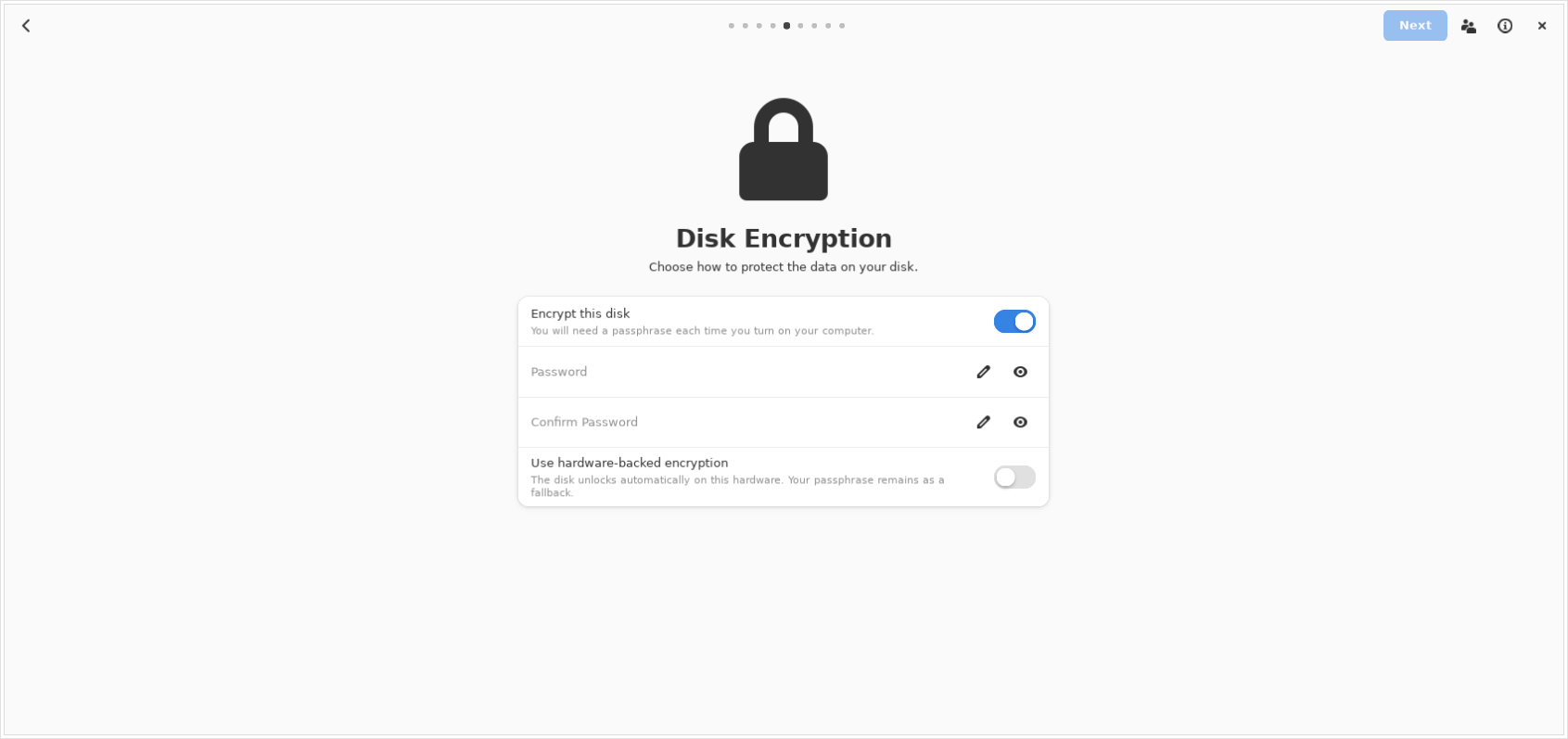 | Disk encryption: LUKS with a passphrase, TPM2, or both. |
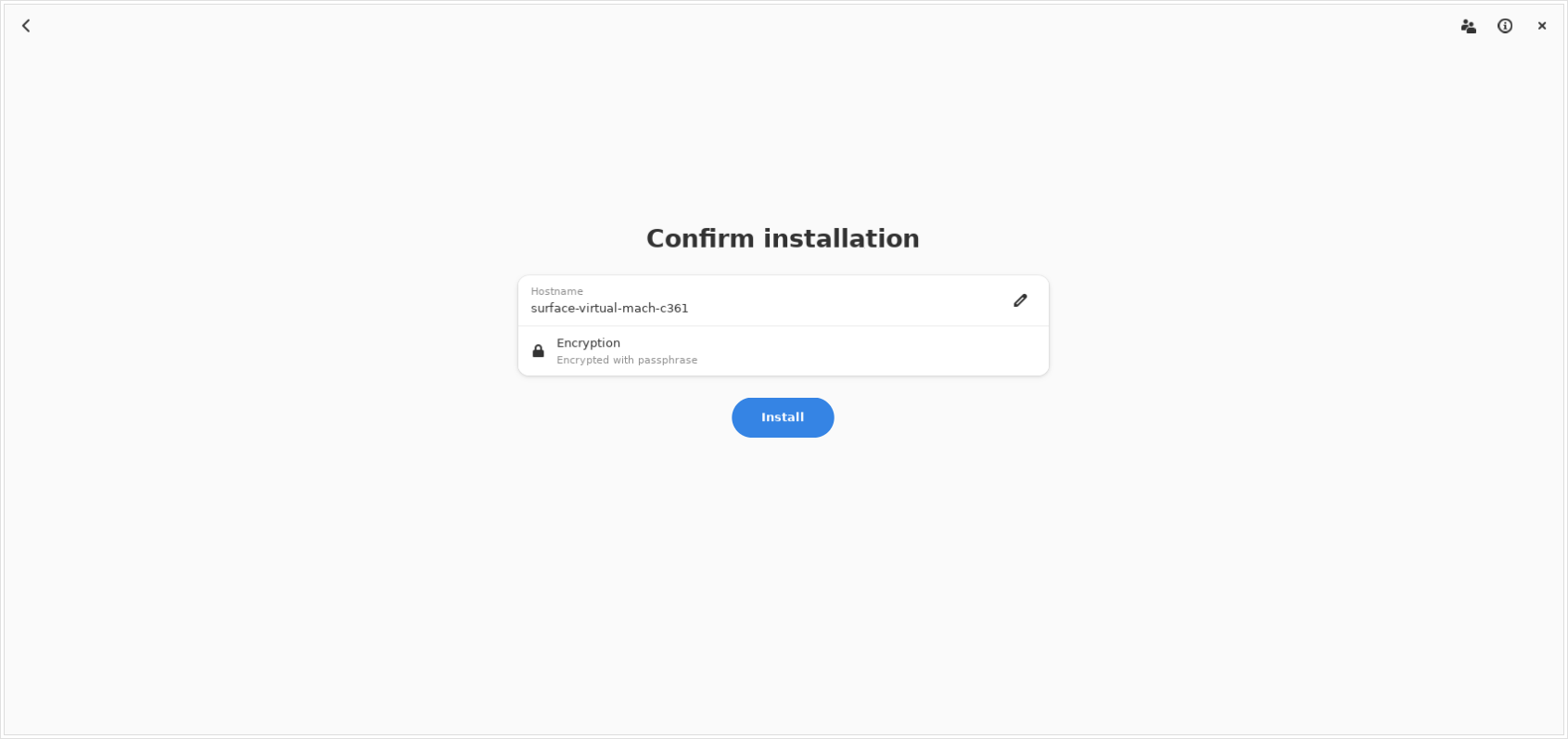 | Confirm: the last screen before anything is written. |
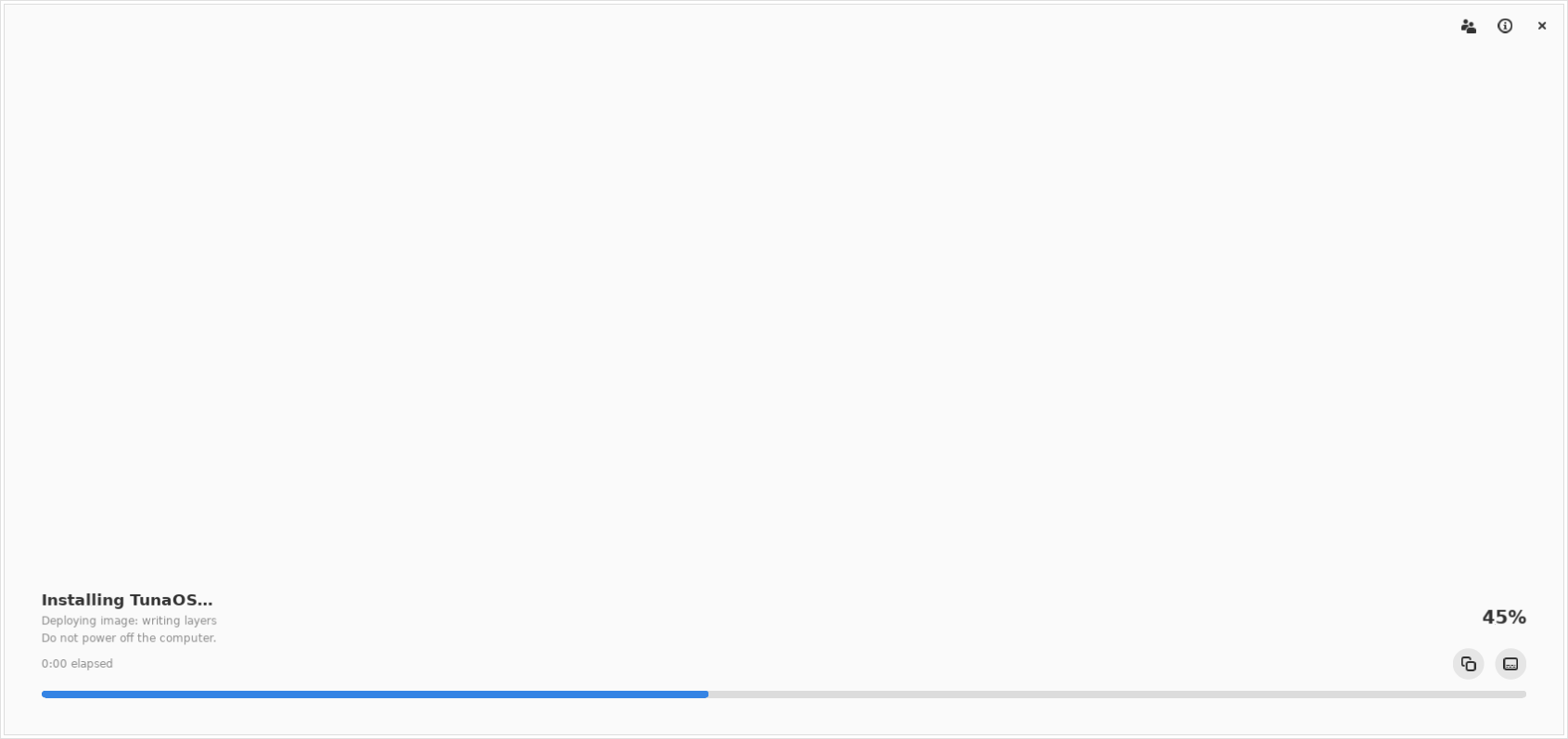 | Installing: fisherman's nine steps, with the log one click away. |
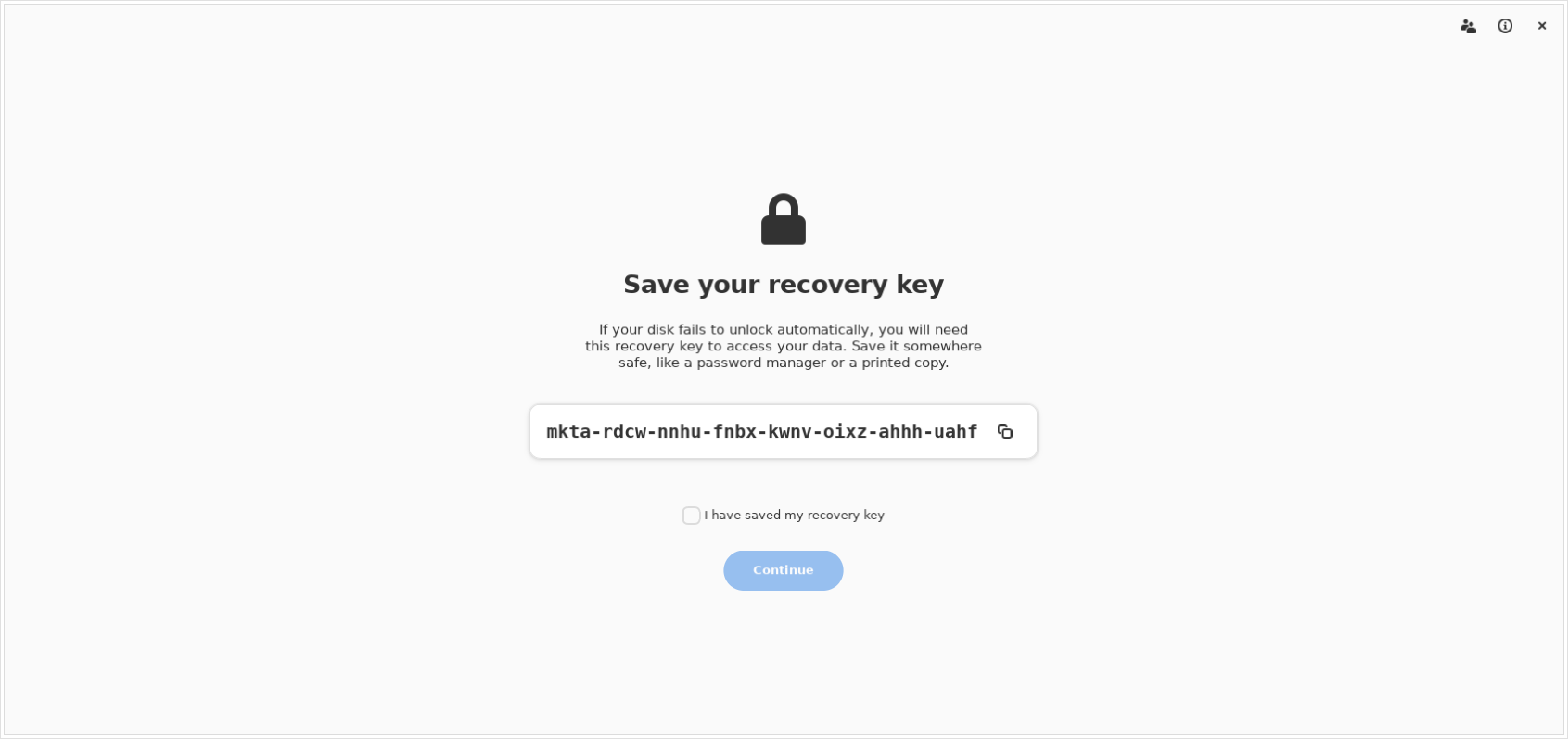 | Recovery key: shown once after an encrypted install and must be acknowledged. |
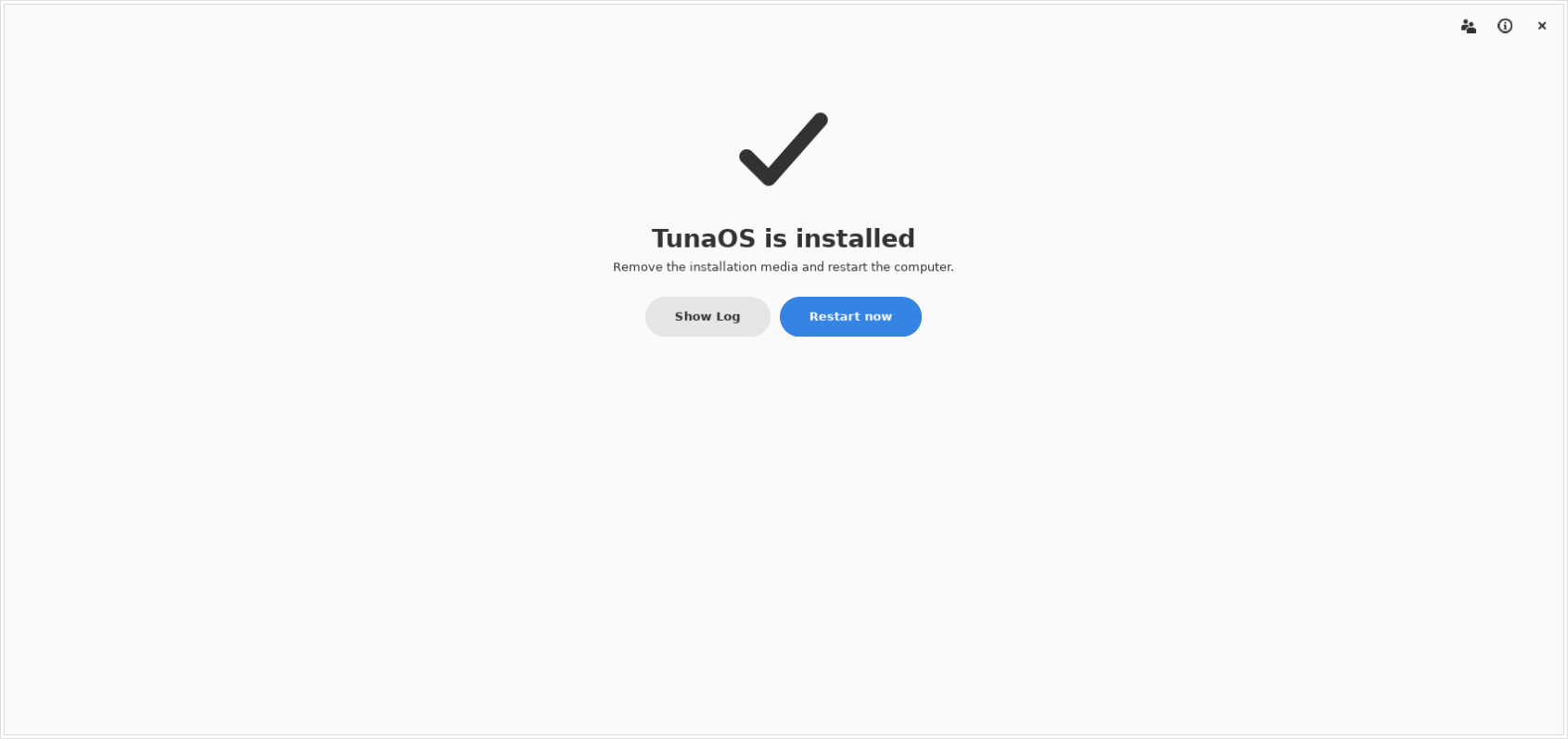 | Done: restart into the new system. |
The user-account page is part of the wizard but not of this capture: the
repository's recipe.json targets an image with needs_user_creation: false,
so the page is skipped exactly as it would be on that ISO.
What the capture checks
A PNG that exists is not a screenshot that rendered. Each frame is audited
from its own pixels (distinct colours, share of the largest flat colour, ink
fraction), and the job fails when a page did not draw. The visible widget
text of each page is matched against the shared screen contract in
shared/walkthrough/parity_report.py, and the result is written to
screenshots/walkthrough-gnome.json for the aggregator.
Run it locally:
meson setup build -Dbuild-fisherman=false && ninja -C build
BOOTC_RESOURCE=build/bootc_installer/bootc-installer.gresource \
  xvfb-run -a -s "-screen 0 1400x1000x24" python3 tests/gui/capture-screens.py docs/screenshots